
 Play on Roblox
Hair & Lashes troubleshooting
Makeup Mania Lash Fit Assistant
Choose the visible lash problem and follow a cautious check. Exact controls remain marked as pending until panel footage is available.
Start with the result you can see
What looks wrong with the lashes?
Choose one visible problem
The assistant will keep every other variable steady.
No item, percentage or compatibility rule is assumed.Behavior pending
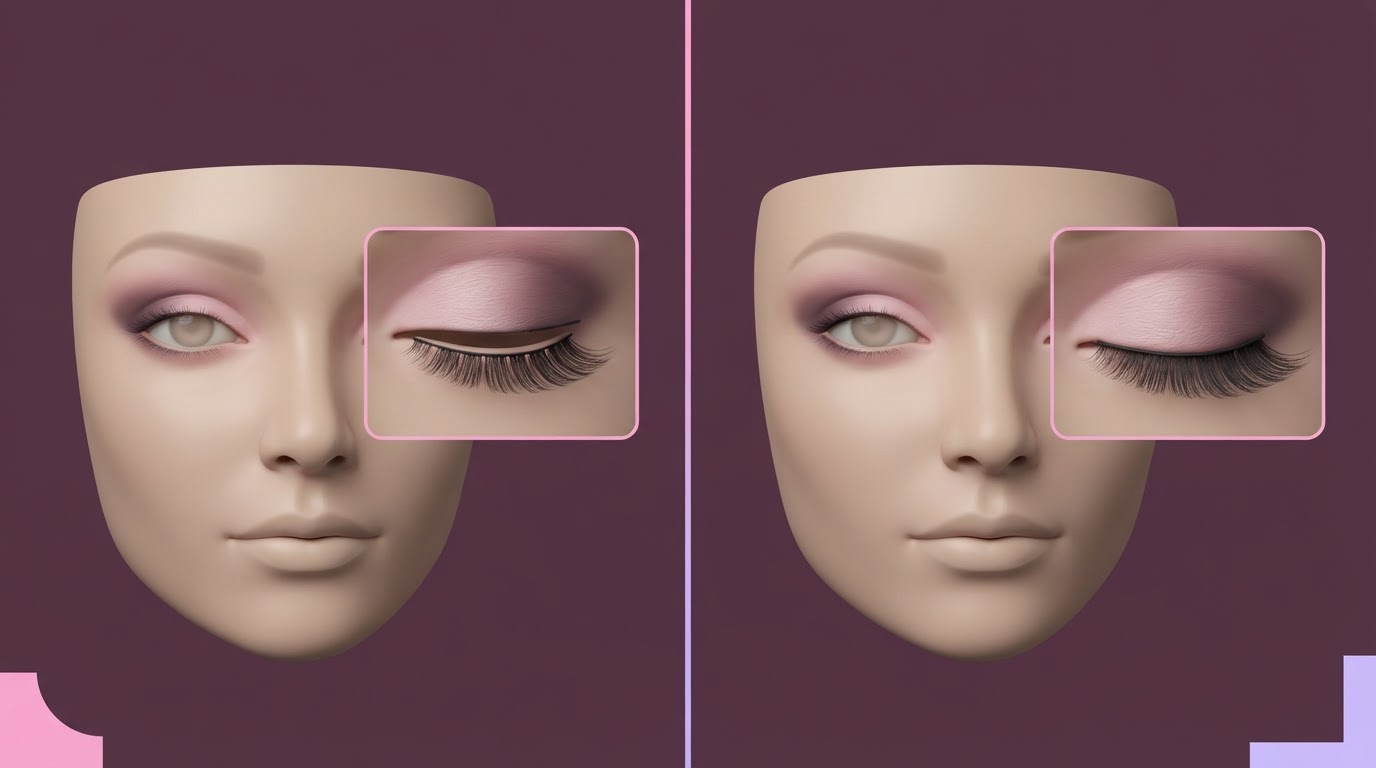
The lash band appears above the eyelid
Treat this as a position check first. Compare the band with both eyelids before changing size, hair or makeup.
Inspect first
- Face the character forward and compare the band with the eyelid line.
- Check both eyes from the same zoom level.
- Temporarily choose hair that leaves the eye area visible if needed.
Then try
- Open the current Hair & Lashes area and confirm the selected lash item.
- If the panel provides a height or vertical control, make one small change toward the eyelid.
- Stop if the control name or result differs from the guide, then keep the exact label for review.
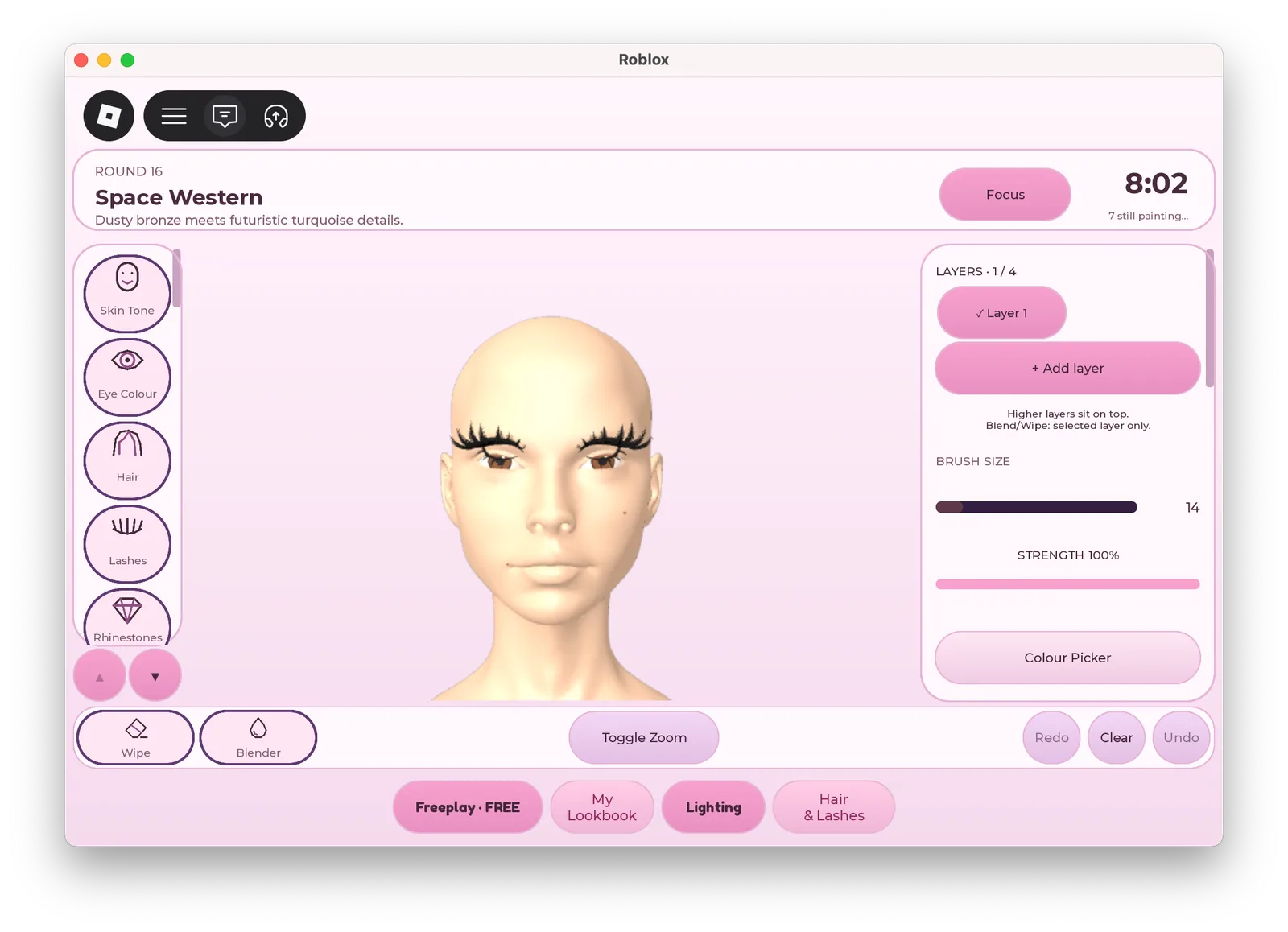
M02 confirms Hair & Lashes and Lashes entry labels. M06 is still needed to confirm the adjustment control and direction.
Behavior pending
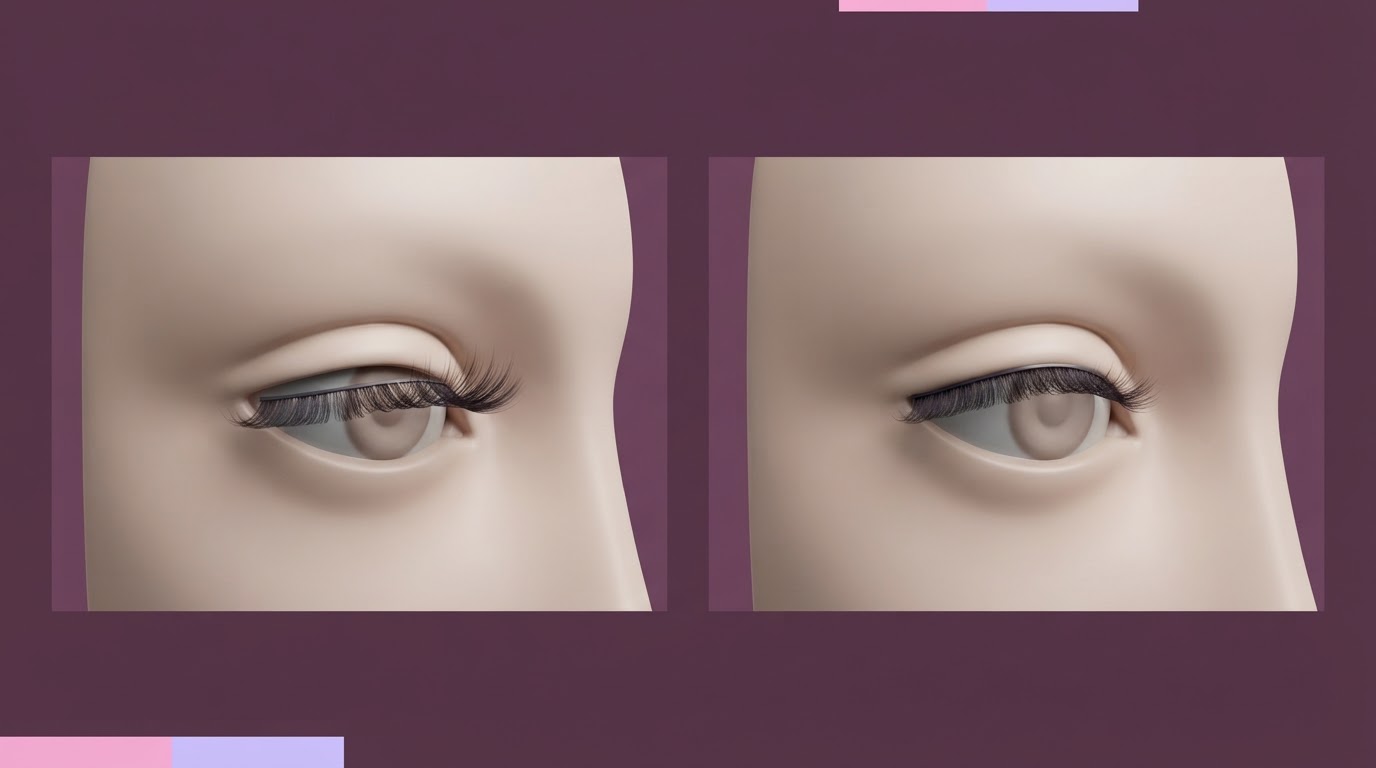
The lashes look separated from the face
A detached appearance is a depth question. Keep the camera angle stable so a change in view is not mistaken for a fit change.
Inspect first
- Use one side view and one front view without changing zoom between comparisons.
- Check whether the band is outside the face or partly hidden inside it.
- Confirm the selected item is still active before adjusting anything.
Then try
- Look for a depth, in or out control only if the current panel provides one.
- Make one small change and return to the same camera angle.
- Use reset only after reading what the current control will reset.
The visible problem can be inspected from screenshots. The current depth control and reset behavior are not verified.
Behavior pending
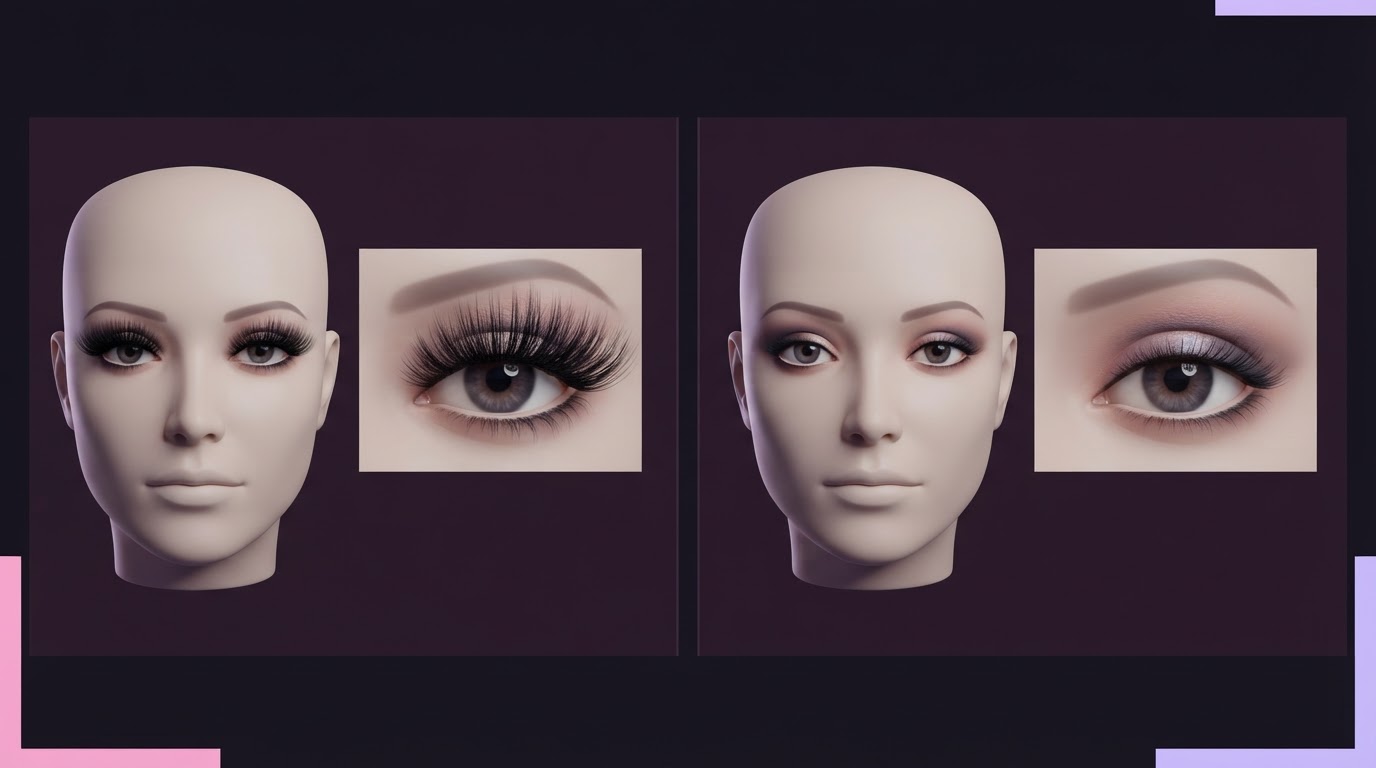
The lashes dominate the eye shape
Decide whether the item itself is the wrong shape before changing a size control. Another item may fit the intended look with fewer adjustments.
Inspect first
- Compare the outer edge of the lashes with the eye and eyeliner.
- Check whether the band hides the eye makeup from the front view.
- Compare one alternative lash item before changing several settings.
Then try
- Try a different visible lash option if the item shape is the main problem.
- If the current panel provides size adjustment, change only size and compare again.
- Do not use a competitor percentage as a universal preset.
M02 confirms a Lashes entry. Item catalog, size controls and safe ranges still require panel footage.
Capture-supported check
Hair covers the lashes or eye makeup
This is usually a visibility comparison. Keep the lash selection steady while testing whether hair introduced the overlap.
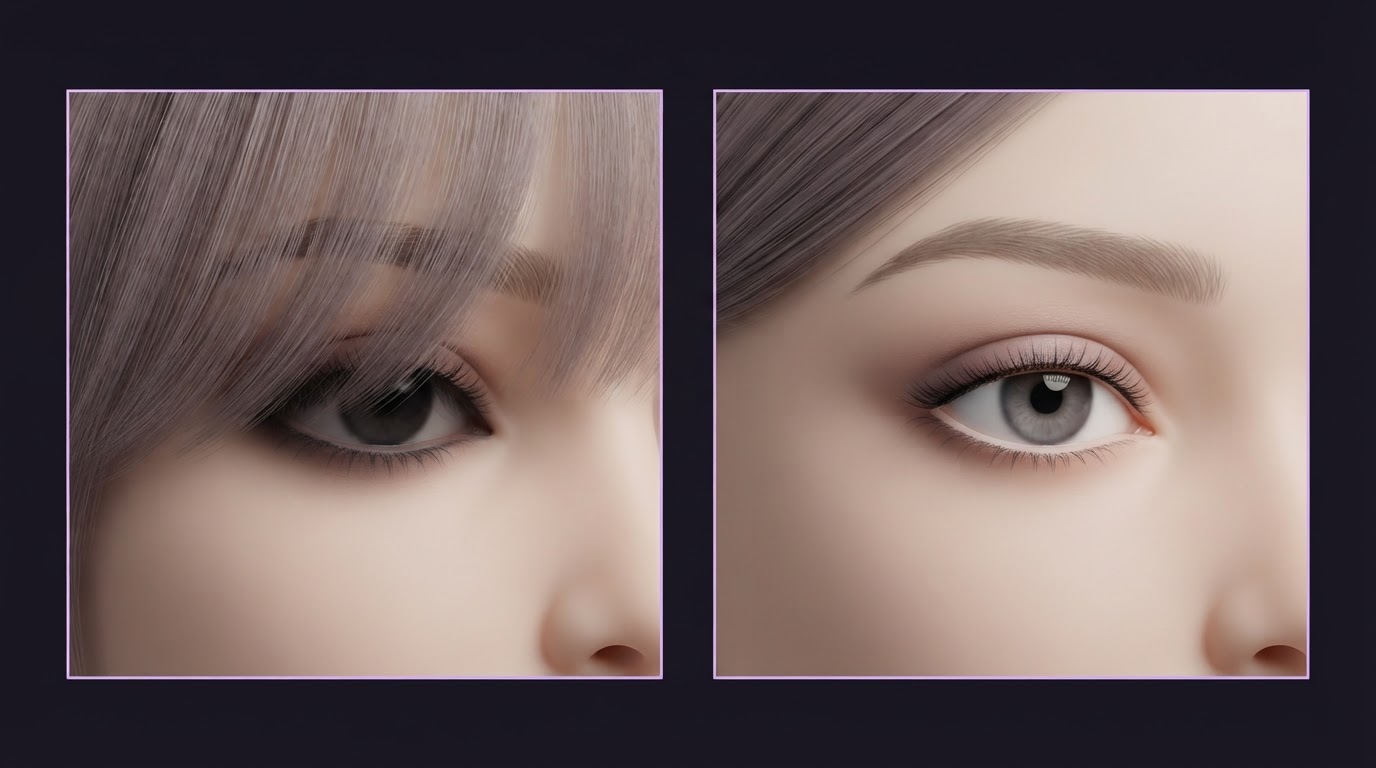
Inspect first
- Check the full face with the current hair and lash selections.
- Notice whether the fringe covers the band, eyeliner or both.
- Keep the lash item unchanged during the first hair comparison.
Then try
- Choose a hair option that leaves the eye area visible for comparison.
- Decide whether the hair or the lash shape should change, not both at once.
- Return to the intended hairstyle only after the lash position is clear.
M02 confirms separate Hair and Lashes entry labels. The exact item behavior is not established by the capture.
Behavior pending
The selected lashes do not appear on the face
Confirm selection and panel state before treating this as a bug or buying another item.
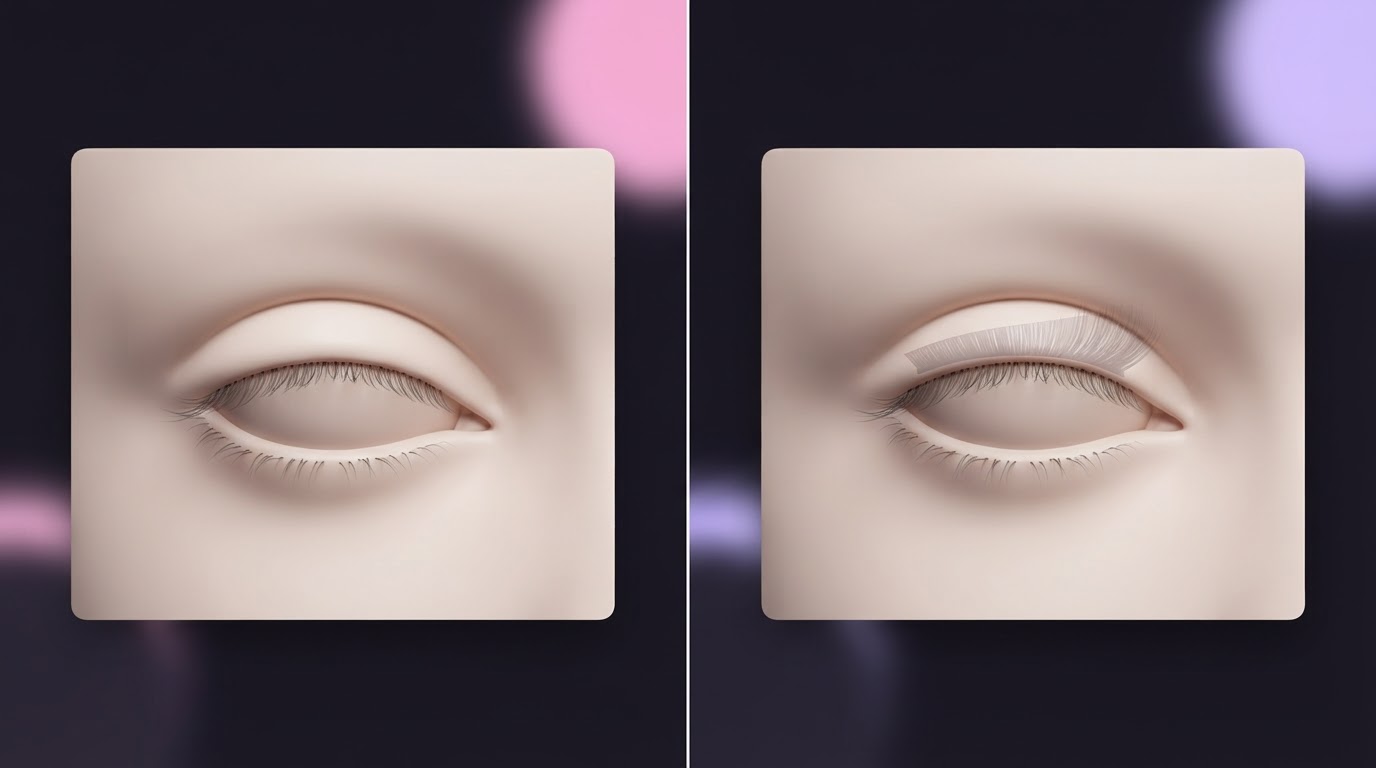
Inspect first
- Confirm that Lashes is the active category and note the selected item name.
- Check the face from front and side views in case the item is inside the face.
- Record the action immediately before the item disappeared.
Then try
- Reselect the current item once if the panel offers that action.
- Read any ownership, preview or purchase label before continuing.
- If another selection removed the item, record both selections for current-version verification.
The entry label is visible in M02. Selection state, ownership and slot compatibility need M05 and M06 evidence.
All five checks in one reference
The lash band appears above the eyelid
Treat this as a position check first. Compare the band with both eyelids before changing size, hair or makeup.
M02 confirms Hair & Lashes and Lashes entry labels. M06 is still needed to confirm the adjustment control and direction.The lashes look separated from the face
A detached appearance is a depth question. Keep the camera angle stable so a change in view is not mistaken for a fit change.
The visible problem can be inspected from screenshots. The current depth control and reset behavior are not verified.The lashes dominate the eye shape
Decide whether the item itself is the wrong shape before changing a size control. Another item may fit the intended look with fewer adjustments.
M02 confirms a Lashes entry. Item catalog, size controls and safe ranges still require panel footage.Hair covers the lashes or eye makeup
This is usually a visibility comparison. Keep the lash selection steady while testing whether hair introduced the overlap.
M02 confirms separate Hair and Lashes entry labels. The exact item behavior is not established by the capture.The selected lashes do not appear on the face
Confirm selection and panel state before treating this as a bug or buying another item.
The entry label is visible in M02. Selection state, ownership and slot compatibility need M05 and M06 evidence.Lash Fit Assistant FAQ
Does this tool provide exact fit percentages?
No. Exact percentages have not been verified for the current build and may not transfer between items or characters.
Does this tool confirm which adjustment buttons exist?
No. It names a control only as a condition when the current panel visibly provides it. M05 and M06 are still required to confirm the panel and behavior.
Can this tool confirm that brows and lashes share a slot?
No. Current slot compatibility has not been verified. Record the exact selections if one item removes another.
What information does the tool save?
It can save the last selected issue in localStorage on this device. It does not save a name, account, game ID or other personal information, and Reset removes the saved choice.
Evidence used by this MVP
- Player-supplied M02 interface capture: direct visual evidence for Hair & Lashes and Lashes labels.
- Five original diagnostic illustrations generated for this guide with Figma AI: visual references only, not game screenshots or control evidence.
- Hair and lashes guide: evidence limits and the full visual inspection guide.
- Official Roblox destination: game destination; live interface behavior was not re-tested in this environment.